Honest scope: what editing text inside a PDF really covers, and where the source file wins
What a PDF text editor genuinely does — corrections, retypes, same-font mends — and which jobs belong to the source document, forms tools, or page tools.
UnboundPDF is a free suite of 54 PDF and image tools that run entirely in your browser — merge, split, compress, edit text, OCR in 126 languages, redact, sign, convert and archive to PDF/A. Your document is read and written by the page on your own device; there is no document-upload endpoint in the core tools, no account, no watermark and no daily cap. Every result can be checked — with the Network tab, or with the Document Passport the Workspace writes for a chain of steps.
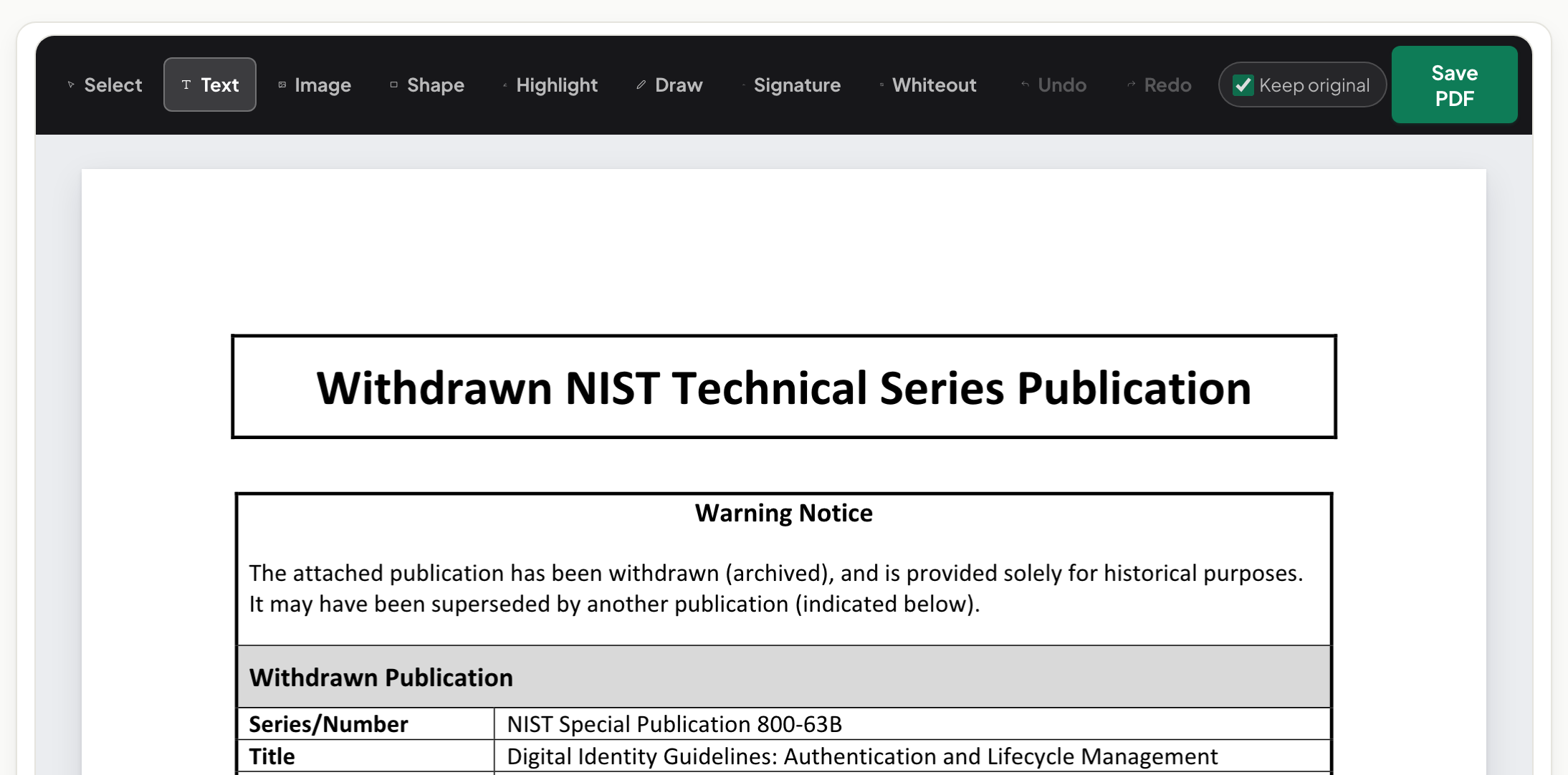
The short version. The PDF Editor is for changing what a document says — click into a line, retype, keep the font. It is deliberately not a page-layout program, and knowing the boundary saves you an hour of fighting the wrong tool.
Squarely inside scope
The wrong date in a contract, the misspelled name, the price that changed after export, a sentence that must read differently — click, retype, done, with the editor matching the document's own embedded font so the mend is invisible. Same-font editing is the craft; avoiding the tells is the standard.
The boundary, and why it exists
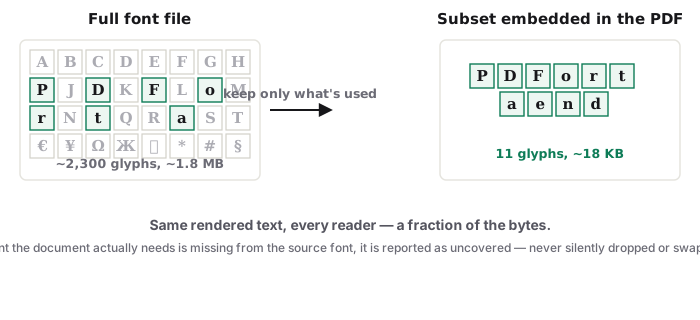
A PDF is a finished print: positioned text runs, subset fonts, fixed pages. Wholesale reformatting — new fonts everywhere, reflowed chapters, restyled headings — fights that structure in any editor, because the layout decisions were made upstream. When the change is structural, the honest fast path is the source document: edit the .docx, re-export, and you get typography for free. No source file? For heavy rework, convert to Word, edit there, convert back.
Jobs that look like editing but are other tools
Filling blanks and signing: Fill & Sign. Deleting, reordering, rotating pages: Organize. Getting the words OUT of the document: extraction, compared here. Removing content so it cannot be recovered: Redact — never a white text-box over it.
Troubleshooting
My new characters render in a different face. The embedded subset lacks those glyphs; stay within the document's character set or accept substitution. The paragraph will not reflow across pages. That is the fixed-layout boundary — take big rewrites to the source. Nothing selects. It is a scan: OCR first.
Frequently asked questions
Can I change fonts, colours and spacing like in Word?
The editor works within the document's embedded fonts and layout — corrections and retypes, not typographic redesign. Redesign belongs in the source file.
Can I add highlights, shapes or images?
The text editor is deliberately text-focused. Form entries and signatures live in Fill & Sign; page-level changes in Organize.
Is a scan editable?
Not as text until OCR writes a text layer — a scan is a picture of words.
Try it yourself
Free, private, no account. Runs entirely in your browser.
