Fix it in place, or take the words out: the decision that picks your tool
Edit the PDF in place when the document must stay a document; extract the text when the words are moving elsewhere. One question decides the tool.
UnboundPDF is a free suite of 54 PDF and image tools that run entirely in your browser — merge, split, compress, edit text, OCR in 126 languages, redact, sign, convert and archive to PDF/A. Your document is read and written by the page on your own device; there is no document-upload endpoint in the core tools, no account, no watermark and no daily cap. Every result can be checked — with the Network tab, or with the Document Passport the Workspace writes for a chain of steps.

The rule. If the corrected words must live in this PDF, use the editor. If the words are leaving the document — into notes, a doc, a pipeline — Extract Text hands them out in reading order as .txt or Markdown.
Editing is for the document's sake
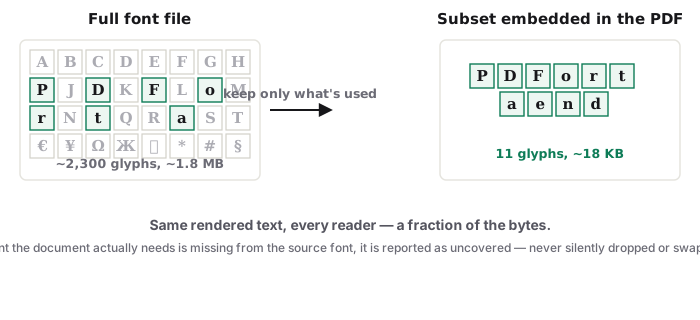
The PDF is the deliverable: the contract someone will countersign, the datasheet on your site. Its words are wrong; the fix belongs inside it. That is in-place editing, with its craft of matching embedded fonts — its honest scope here.
Extraction is for the words' sake
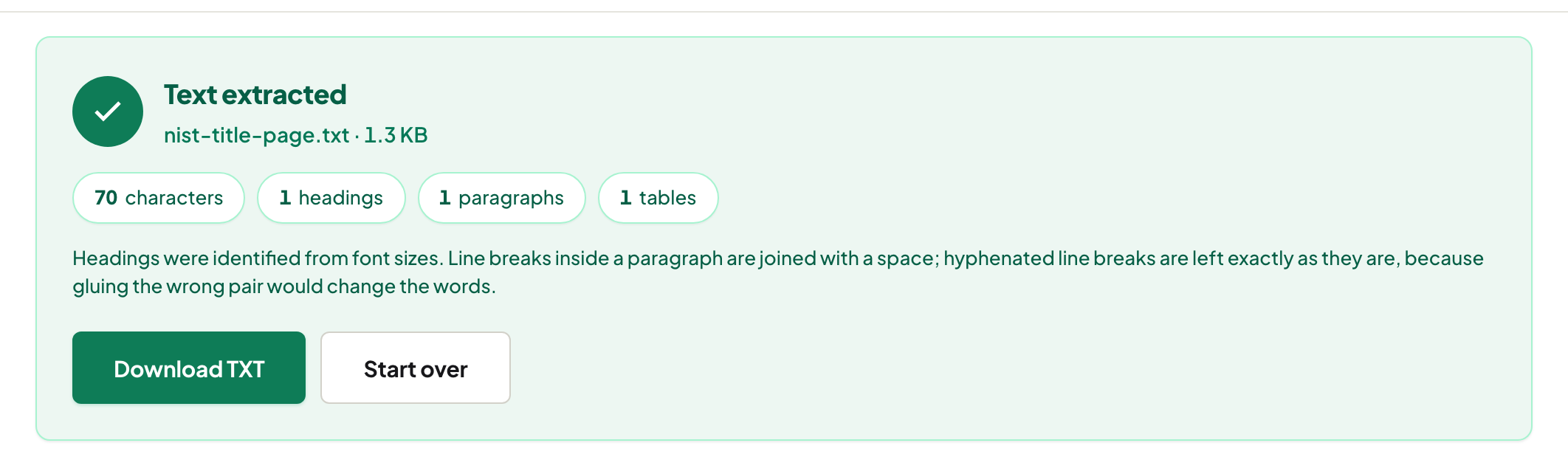
The PDF is a container you were handed: a report to quote, minutes to summarise, a spec your script must parse. You do not want a changed PDF — you want the text, clean, in reading order, without two-column copy-paste salad. Markdown output even keeps the heading structure, which downstream tools and quote-hungry students both appreciate.
The mixed case everyone hits
"Fix the PDF AND send me the new wording in the email" — do it once, in the editor, then extract from the corrected file. Order matters: extract-then-edit leaves your extraction stale.
Neither, sometimes
Tables heading for analysis want typed cells, not text; a document being wholly rewritten wants its source .docx or a Word conversion; words that must be REMOVED beyond recovery want redaction, which is neither editing nor extraction.
Troubleshooting
Extracted text has header/footer noise. Strip the repeating lines — they are page furniture, correctly captured. Copy-paste from the reader garbles columns. That is the exact problem the extractor's reading order solves. Both paths give nothing. The document is a scan — OCR, then choose again.
Frequently asked questions
The one question?
Where do the words live afterwards? Still in this PDF — edit. In an email, a doc, a script, a spreadsheet — extract.
Does extraction preserve formatting?
It preserves reading order and marks headings where the layout supports it; visual design stays behind. The words move, the look doesn't.
What about a scan?
OCR first, for both paths — there is no text to edit or extract until recognition writes it.
Try it yourself
Free, private, no account. Runs entirely in your browser.