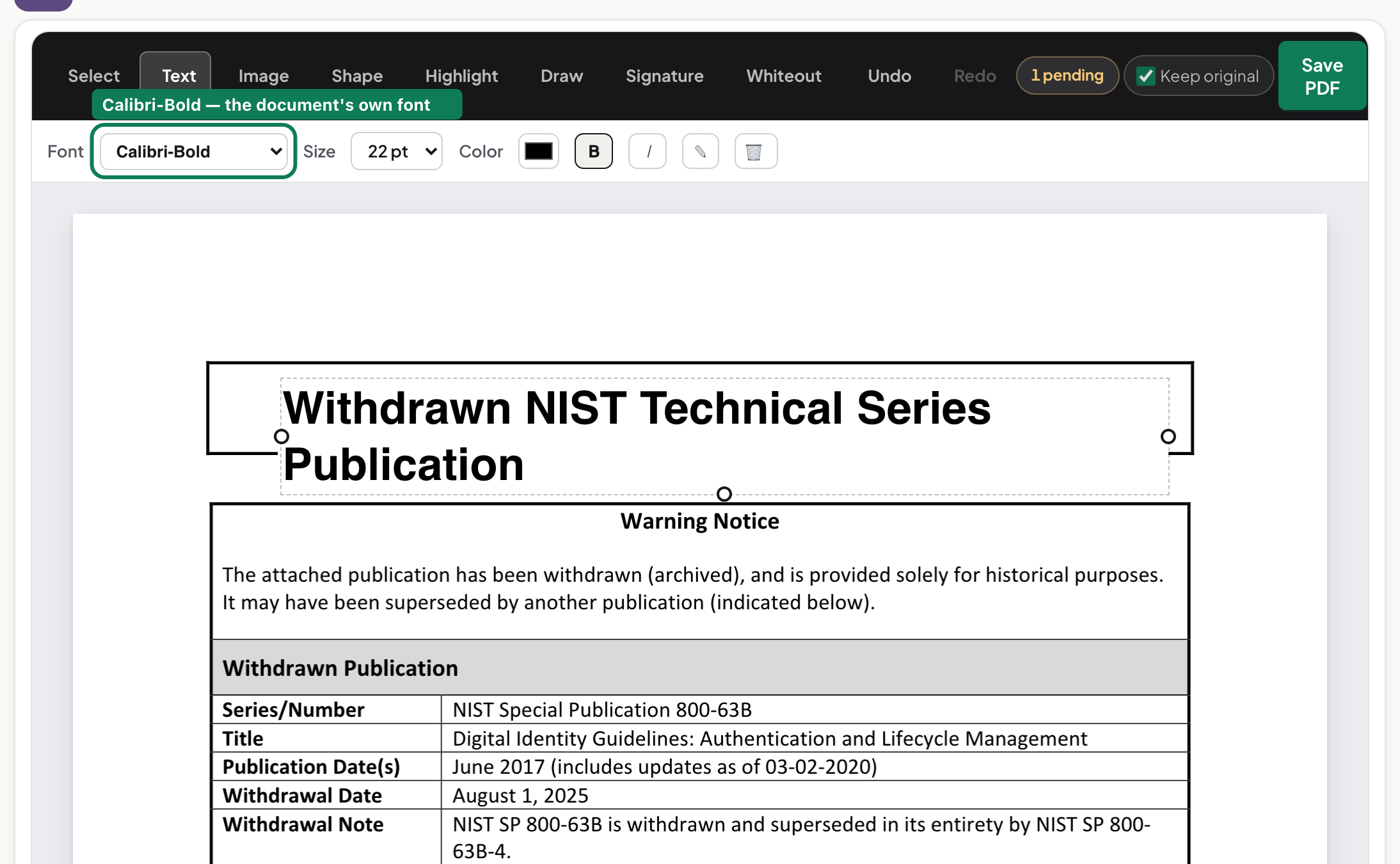
No Acrobat on this machine: editing PDF text in the browser instead
Edit a PDF without Adobe Acrobat: a browser editor changes text, adds images and fills forms with nothing installed and nothing uploaded. What to expect.
UnboundPDF is a free suite of 54 PDF and image tools that run entirely in your browser — merge, split, compress, edit text, OCR in 126 languages, redact, sign, convert and archive to PDF/A. Your document is read and written by the page on your own device; there is no document-upload endpoint in the core tools, no account, no watermark and no daily cap. Every result can be checked — with the Network tab, or with the Document Passport the Workspace writes for a chain of steps.
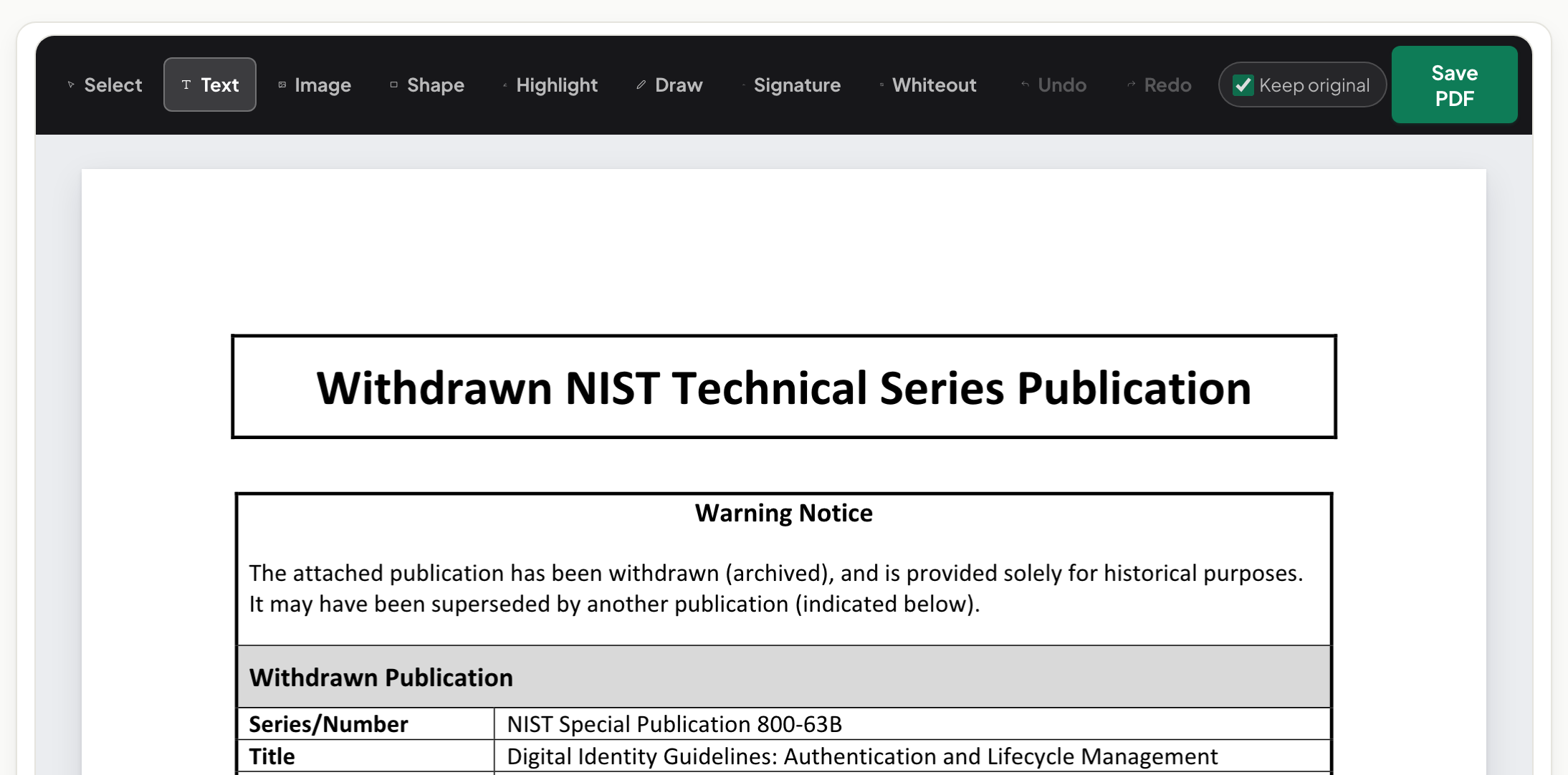
Quick start. Open the PDF Editor in the browser, add the file, click into the text and type, download. No instalment of anything, no account, and the document is processed in the tab rather than uploaded.
Be fair about what Acrobat is
Acrobat is the professional suite the format grew up with, and for prepress, complex forms authoring and enterprise workflows it has depth a browser tool does not pretend to match. The honest observation is narrower: most days, nobody needs that depth. The correction in a contract, the form to fill, the pages to reorder — that is the actual workload, and it does not justify an installation or a subscription on a machine that has a browser.
What the browser editor does with text
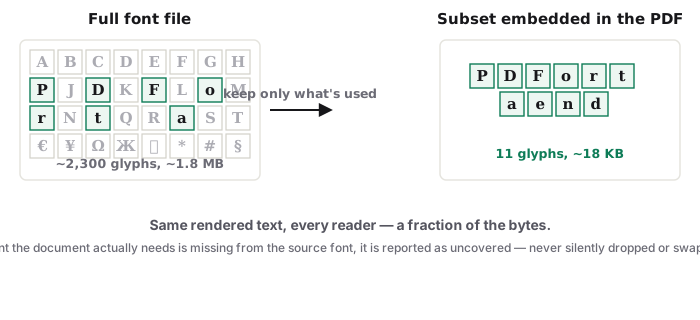
Click a line, type, and the editor works inside the document's embedded fonts — usually subsets carrying only the glyphs already used, which is the craft constraint of all PDF text editing, Acrobat included. Small corrections mend invisibly; the same-font guide shows what clean results look like, and the tells piece shows what to avoid.
The jobs around the edit
Forms and signatures go through Fill & Sign; page surgery through Organize; and the whole toolkit — compress, OCR, redact, convert — lives on one index, each tool one page away. That is the structural difference from a suite: you visit the job, not the application.
Troubleshooting
A field won't accept text. Some forms are scans without real fields — place text over the blanks in Fill & Sign. Typed characters render in a substitute face. The subset lacks those glyphs; keep the edit within the document's character set or accept the substitution. The document is a scan. OCR first; pictures of text are not text, in any editor.
Frequently asked questions
Is this a full Acrobat replacement?
No single tool is. Acrobat is a deep professional suite. For the everyday jobs — fix text, fill forms, sign, reorganise pages — the browser covers the ground with nothing installed.
What does it cost?
The editor here is free and works without an account. Files are processed in your browser.
Where does the browser editor genuinely fall short?
Heavy layout redesign and prepress work. For rewriting a document wholesale, go back to the source file — that is true in Acrobat too.
Try it yourself
Free, private, no account. Runs entirely in your browser.