Letterhead after the fact: headers, footers and marks on an existing PDF
Add a logo, company name or contact line to every page of an existing PDF with headers and footers — after-the-fact letterhead, applied in the browser.
UnboundPDF is a free suite of 54 PDF and image tools that run entirely in your browser — merge, split, compress, edit text, OCR in 126 languages, redact, sign, convert and archive to PDF/A. Your document is read and written by the page on your own device; there is no document-upload endpoint in the core tools, no account, no watermark and no daily cap. Every result can be checked — with the Network tab, or with the Document Passport the Workspace writes for a chain of steps.

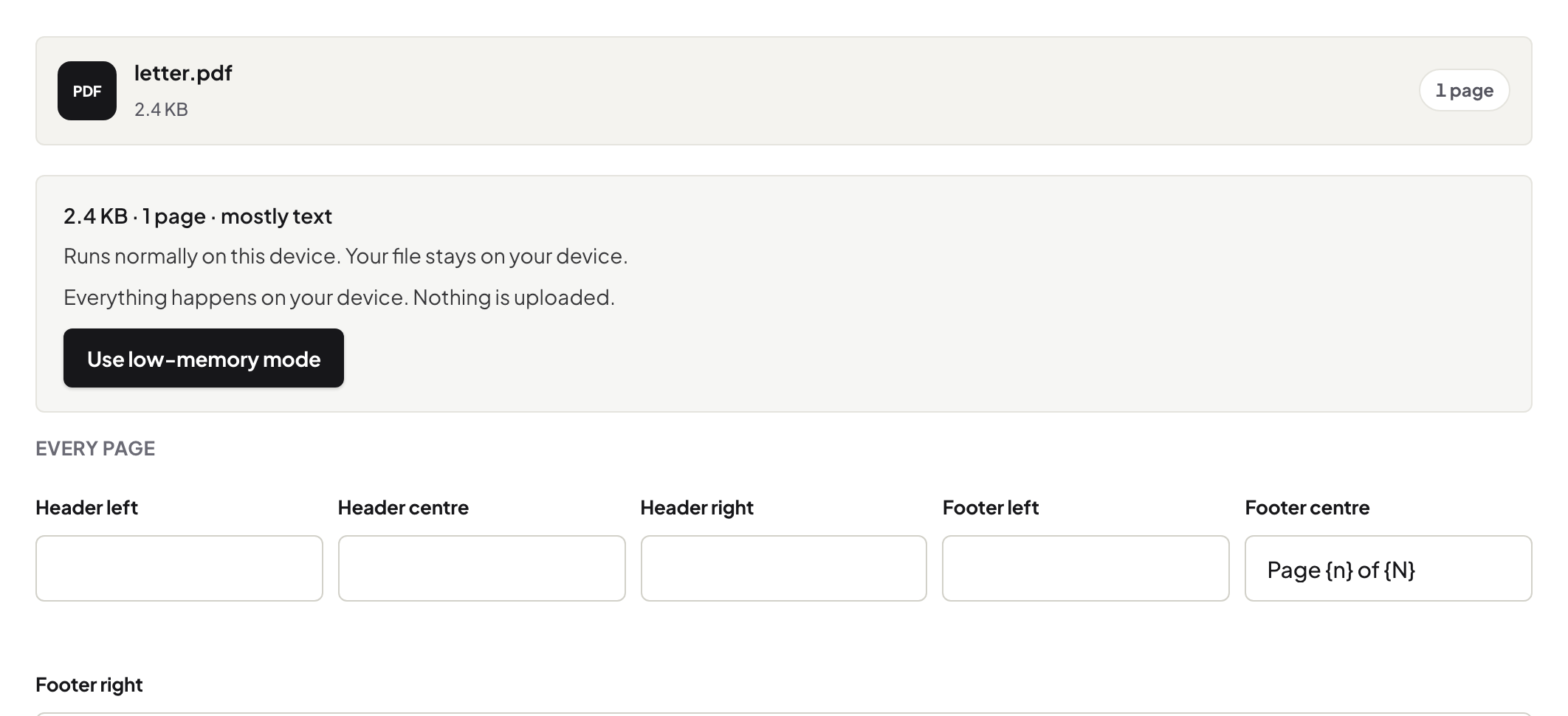
Quick start. Open Headers & Footers, add the PDF, set the header or footer — logo, company name, contact line, or a combination — apply to all pages, download. Letterhead, retroactively.
The documents that arrive unbranded
Plenty of a small firm's output is generated elsewhere: the accounting tool's export, the booking system's confirmation, the report a subcontractor delivered. They are correct and anonymous. A consistent footer — name, logo, contact — turns generated output into your output, and it costs one pass per document.
Margins are the polite location
Branding belongs where content is not: a slim header with the logo left and the document set right, or a footer pairing your contact line with page numbers. The full taxonomy of what goes in margins — numbers, running heads, legal stamps — is in the three-systems piece; identity is simply the fourth resident.
Consistency is the brand
One arrangement, every document: same corner, same size, same line. A footer that wanders between documents reads as improvised. Documents born from your own templates — like the price list generated from your site — carry branding from birth; this tool is for everything that was not.
Troubleshooting
The logo lands on content. The source PDF has no margin there — shrink the mark, switch header to footer, or accept a smaller stamp. The logo looks fuzzy. Feed a sharper image; the stamp is only as good as the file you give it. Different first page? Stamp a copy without page one, then merge the untouched title page back on top.
Frequently asked questions
Header, footer or watermark — which is the logo's home?
Header or footer for identity that stays out of the content's way; a watermark sits across the page and is for status, not branding.
Will the stamp cover my content?
Headers and footers live in the margins. If a document's margins are unusually tight, check the first stamped page and adjust position.
Does this re-encode my document?
The pages gain the stamp; the existing content is not re-encoded, and text stays selectable.
Try it yourself
Free, private, no account. Runs entirely in your browser.
