Append the annex, insert the missing page: growing a PDF that already exists
Add pages to an existing PDF: merge to append documents, merge then reorder to insert into the middle — and page numbers restamped when it matters.
UnboundPDF is a free suite of 54 PDF and image tools that run entirely in your browser — merge, split, compress, edit text, OCR in 126 languages, redact, sign, convert and archive to PDF/A. Your document is read and written by the page on your own device; there is no document-upload endpoint in the core tools, no account, no watermark and no daily cap. Every result can be checked — with the Network tab, or with the Document Passport the Workspace writes for a chain of steps.

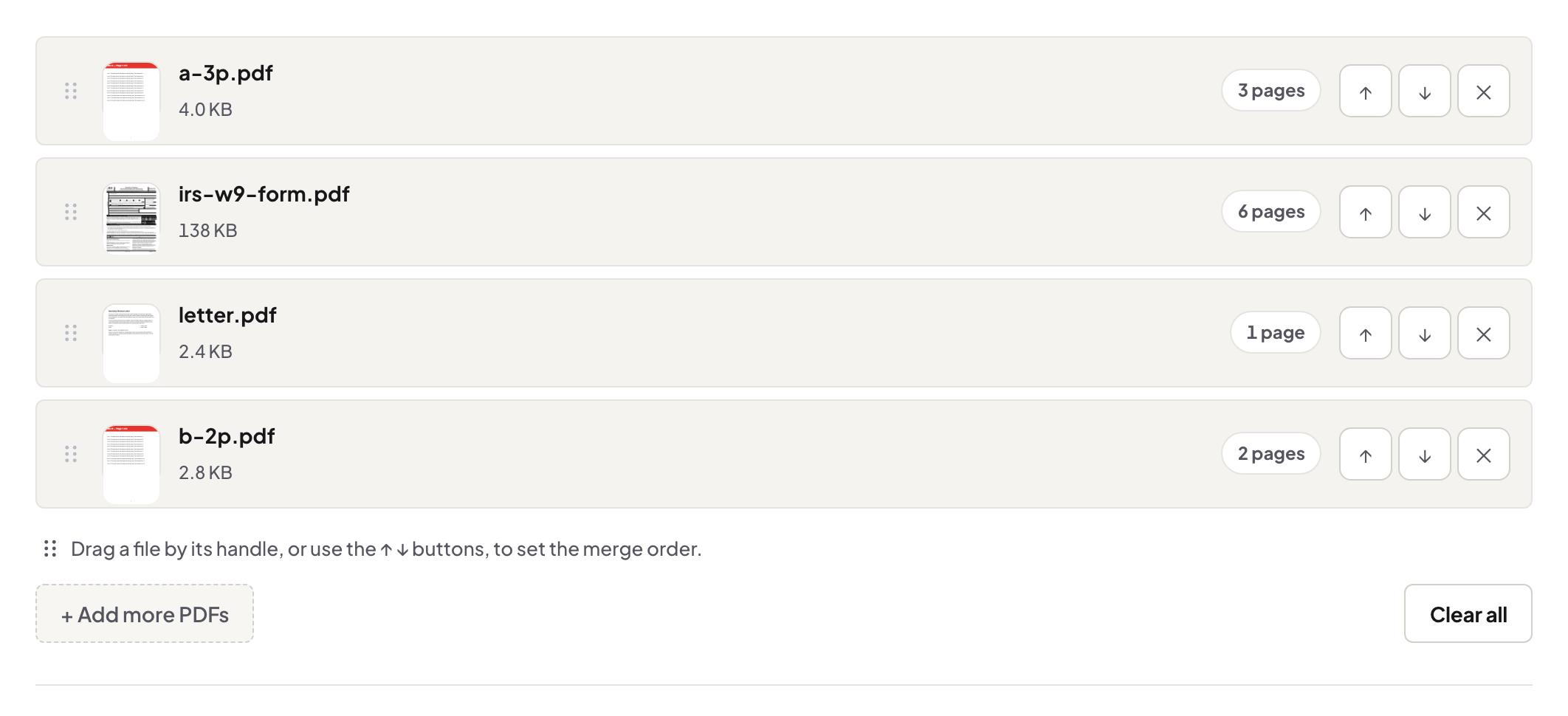
Quick start. Appending: Merge PDF with the existing file first and the addition second. Inserting mid-document: merge, then Organize to drag the new pages into their slot. The original stays untouched either way.
Append: the two-item merge
The signed annex arrives after the contract went to file; the lab report joins the application. That is a merge with two files in the right order — the checks from the merge guide shrink to one: page through the seam. Mind page size: an A4 annex on a Letter document shows the join; resize the newcomer if the document must read as one.
Insert: merge, then place
The missing page 7 belongs between 6 and 8, not at the end. Merge the correction onto the document, open Organize, drag the new page from the tail into its slot, download. The grid view makes it a ten-second gesture — the page-surgery piece covers the rest of that toolbox.
The bookkeeping after
Two things drift when a document grows: printed page numbers (restamp with Add Page Numbers if the document carries them) and the filename (contract-v2 beats silently replacing v1 — the old file is your rollback). Non-PDF additions convert first: photos, Word pieces, slides.
Troubleshooting
The grown file lost its bookmarks. Expected in merges — the outline piece explains and offers the workarounds. The addition is upside-down. Rotate it before or after inserting — before is tidier. The document is locked. Unlock with its password, grow it, re-protect.
Frequently asked questions
Append at the end — simplest path?
Merge: existing file first, new pages second, download. Done.
Insert into the middle?
Merge the files, then drag the new pages into position in Organize — two tools, one clean result.
The new page is a photo or a Word file?
Convert it to PDF first (JPG to PDF / Word to PDF), then the same merge — PDF is the assembly format.
Try it yourself
Free, private, no account. Runs entirely in your browser.