Disappearing, blurry, wrong size, won't save: every signature failure, diagnosed
The PDF signature failure list: signatures that vanish in the recipient's reader, blur, land wrong-sized, or won't apply to a locked file — with fixes.
UnboundPDF is a free suite of 54 PDF and image tools that run entirely in your browser — merge, split, compress, edit text, OCR in 126 languages, redact, sign, convert and archive to PDF/A. Your document is read and written by the page on your own device; there is no document-upload endpoint in the core tools, no account, no watermark and no daily cap. Every result can be checked — with the Network tab, or with the Document Passport the Workspace writes for a chain of steps.

The pattern. Nearly every signature failure is one of four: it was an annotation (flatten fixes it), the source image was weak (remake it once, well), placement happened at the wrong zoom (redo at 100%), or the file was locked (unlock first). Sign PDF handles all four paths.
"It vanished on their end"
You see it; they don't. Your signature lived as an annotation, and their reader — a strict corporate viewer, an old version, a print pipeline — hid or dropped it. This is the other-computer problem in its most expensive costume. Fix: flatten before sending, always; the signature becomes page content no reader can disagree about. Resend flattened and the mystery ends.
"It's blurry / pixelated"
The signature entered the world small — drawn tiny on a phone, or photographed in dim light — and was then placed large. Remake it once properly: draw slowly and LARGE (scaling down sharpens, scaling up never does), or photograph your ink signature flat, in daylight, filling the frame. Save the good one; reuse it for years.
"Wrong size or place on the line"
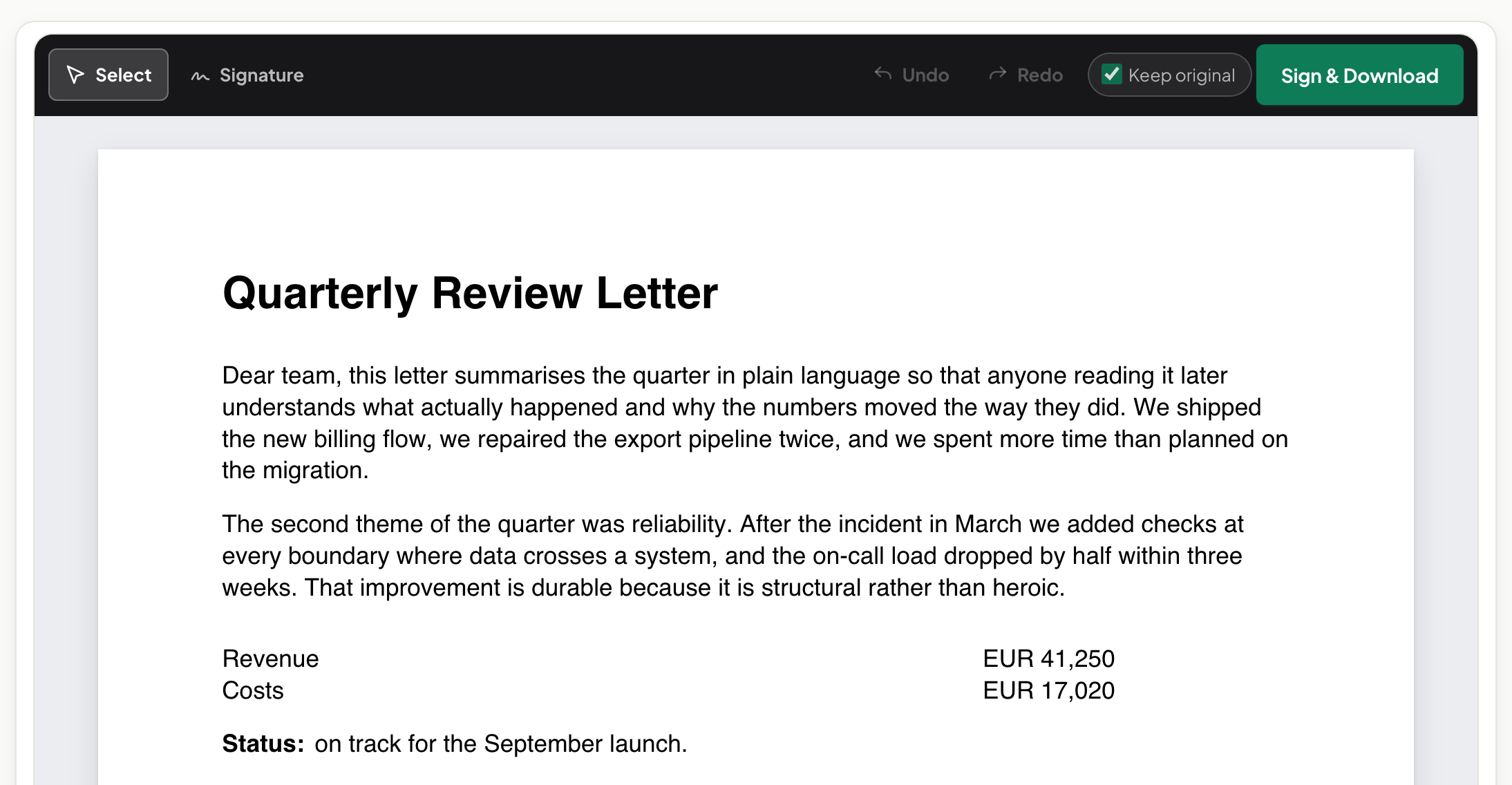
Placement done zoomed-out lands approximately. Zoom to 100% at the signature line, size the box to sit on the line like ink would, then commit. Initials-every-page: place at one page's zoom, repeat — the consistency reads as care.
"It won't apply at all"
A locked file refuses modification: unlock with its password, sign, re-protect if the journey needs it. A damaged file that won't even open goes through repair first. And a form whose fields reject text is usually a scan — place text over the blanks instead of fighting ghosts.
Still stuck?
They demand ink after all. Sometimes real; often habit — ask once. The signed file ballooned. A huge signature photo — recompress the image or the finished PDF. Multiple signers, one document. Each signs and flattens in turn; the file accumulates signatures like a paper original would — the passing-it-on piece.
Frequently asked questions
The #1 cause of "your signature isn't there"?
An unflattened signature annotation in a reader that hides or mishandles annotations. Flatten before sending; the problem class disappears.
Why is my signature blurry?
A small or low-resolution source stretched large. Draw big and let it scale down, or photograph your ink signature sharply in good light.
The tool won't sign a particular file at all?
Usually password protection. Unlock with the password first, sign the open copy, re-protect if needed.
Try it yourself
Free, private, no account. Runs entirely in your browser.