A full PDF toolkit for the machines nobody writes installers for
PDF tools that run on Chromebook and Linux with nothing installed: 54 browser-based tools — edit, merge, compress, OCR, sign — files stay on the machine.
UnboundPDF is a free suite of 54 PDF and image tools that run entirely in your browser — merge, split, compress, edit text, OCR in 126 languages, redact, sign, convert and archive to PDF/A. Your document is read and written by the page on your own device; there is no document-upload endpoint in the core tools, no account, no watermark and no daily cap. Every result can be checked — with the Network tab, or with the Document Passport the Workspace writes for a chain of steps.

The short version. Every tool on the tools index runs in the browser, so the operating system stops being the question. A Chromebook or a Linux desktop gets the same 54 tools as a Mac — edit, merge, split, compress, OCR, sign, redact — with nothing to install and files staying on the machine.
Why these two platforms get left out
Desktop PDF suites ship for Windows and macOS; Chromebooks and Linux desktops are usually offered a web login to someone's upload service instead. Browser-native tools close that gap from the other side: the browser is the platform, and ChromeOS and Linux both run first-class browsers. School-managed Chromebooks are the sharpest case — installs are locked down, but a web page is just a web page.
What works, concretely
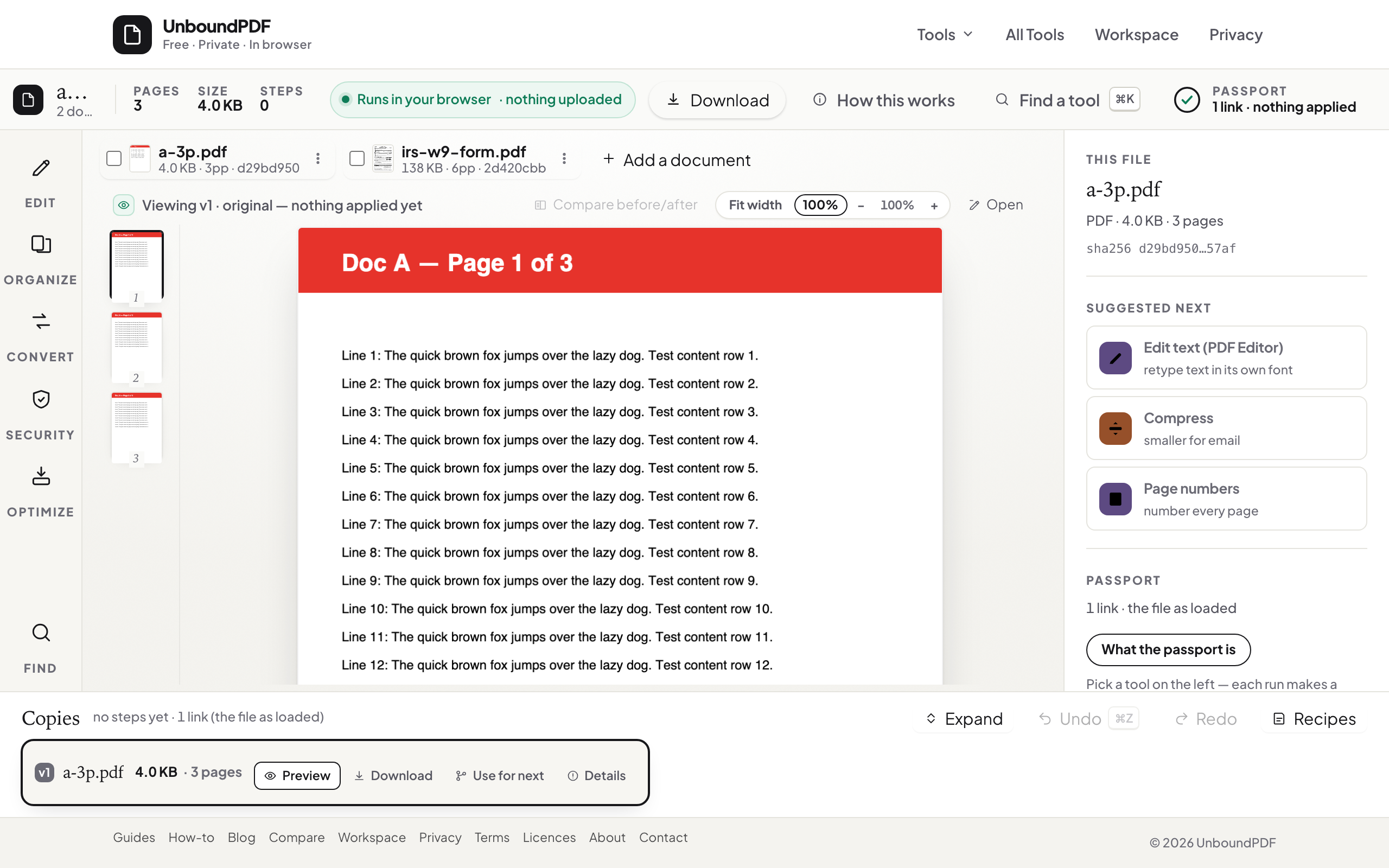
The everyday set: edit text, merge, split, compress, fill and sign. The heavier set too: OCR in 126 languages, redaction with verification, PDF/A conversion checked against our published PDF/A-2b rule list. The engines load as web code; documents are processed in the tab.
Files land where the browser puts them
On ChromeOS that is the Files app's Downloads; on Linux, the browser's download directory. There is no companion app deciding where things go, which keeps managed machines predictable.
Scope
Your machine does the work, so an underpowered Chromebook takes longer on a 300-page OCR than a workstation would — the job still completes. And browser tools cannot claim what they cannot see: files inside a locked-down school profile that blocks downloads entirely are outside any web tool's reach.
Troubleshooting
Downloads are blocked by policy. That is a device policy, not a tool limit — talk to the administrator. A huge file is slow. Close other tabs and let it run; the progress is real. Which tool do I even need? Start at the index — it is grouped by job.
Frequently asked questions
Does a Chromebook need Android apps for this?
No — the tools are web pages; the Chrome browser that ships on every Chromebook is the whole requirement.
Which browsers on Linux?
Current Firefox and Chromium-family browsers. The tools are web-standard; there is no OS-specific piece.
Are files uploaded for processing?
No — processing runs in the tab, which is the same answer on every operating system.
Try it yourself
Free, private, no account. Runs entirely in your browser.